[iTerm] How to Set Window Background Transparency
Tadashi Shigeoka · Sat, January 7, 2012
I’ll introduce how to set the window background transparency for iTerm, a terminal app for macOS.
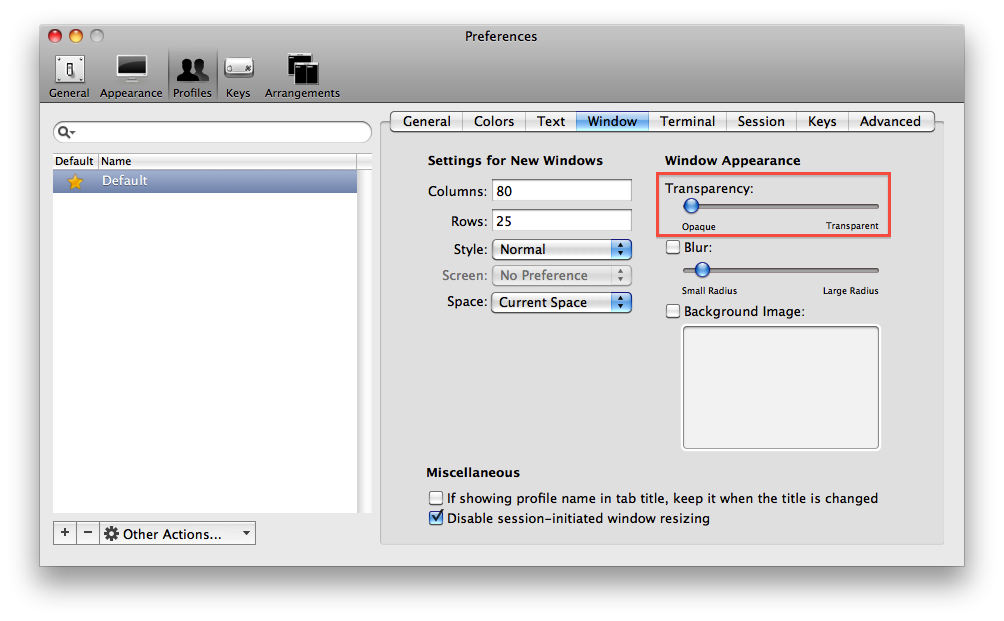
To adjust transparency, select iTerm → Preferences from the menu to open the Preferences window,
then go to Profiles → Window → Window Appearance → Transparency and move the bar to adjust.
That’s all from the Gemba.