Memo of the steps to uninstall VMware Server.
-
Run the same file as the installer (Example): VMware-server-2.0.2-203138.exe
-
After the installer starts, click Next

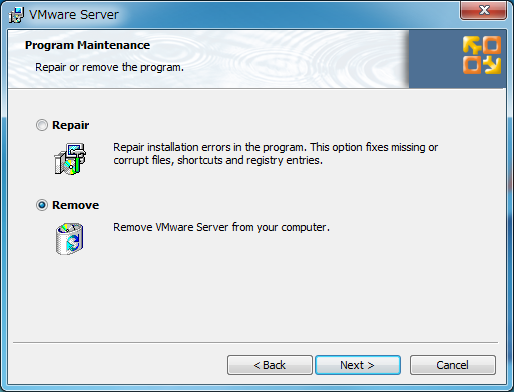
- Select Remove and click Next
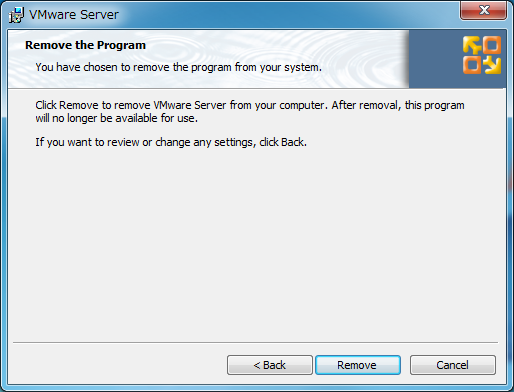
- Click Remove
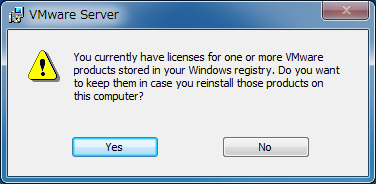
- Click Yes
- Click Finish
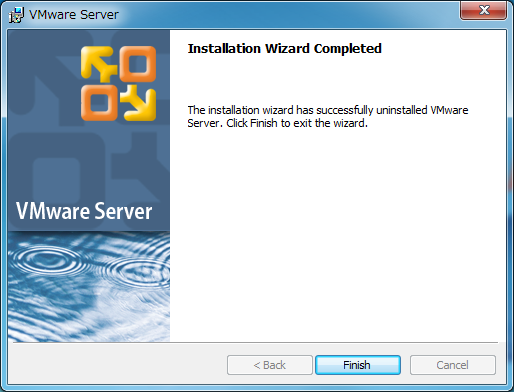
The uninstallation is now complete.
【Reference】
That’s all from the Gemba.